

Lucid Controller
Lucid Controller is one of the first parts of Remortal that got developed. It is based on our genuine idea to create a runner game using mobile device’s Augmented Reality technology as a controller. In this series of posts, we’ll discuss how we developed this brand-new controller and what decisions were made in the tradeoffs discovered in the development process to make it as fun as possible.
Start of Lucid Controller
We started working on Lucid Controller from the very early days of Remortal (when it wasn’t even named yet and was called by its codename AR Runner). From a technical perspective, we developed Remortal with Unity game engine and could choose from a couple of AR SDKs: Vuforia and ARFoundation. While the former has been around for a longer time and has been under active updates, the latter seemed better suited to our needs as it can be modified more easily. Furthermore, ARFoundation is developed by Unity developers. Therefore, using it in Unity is easier than Vuforia.
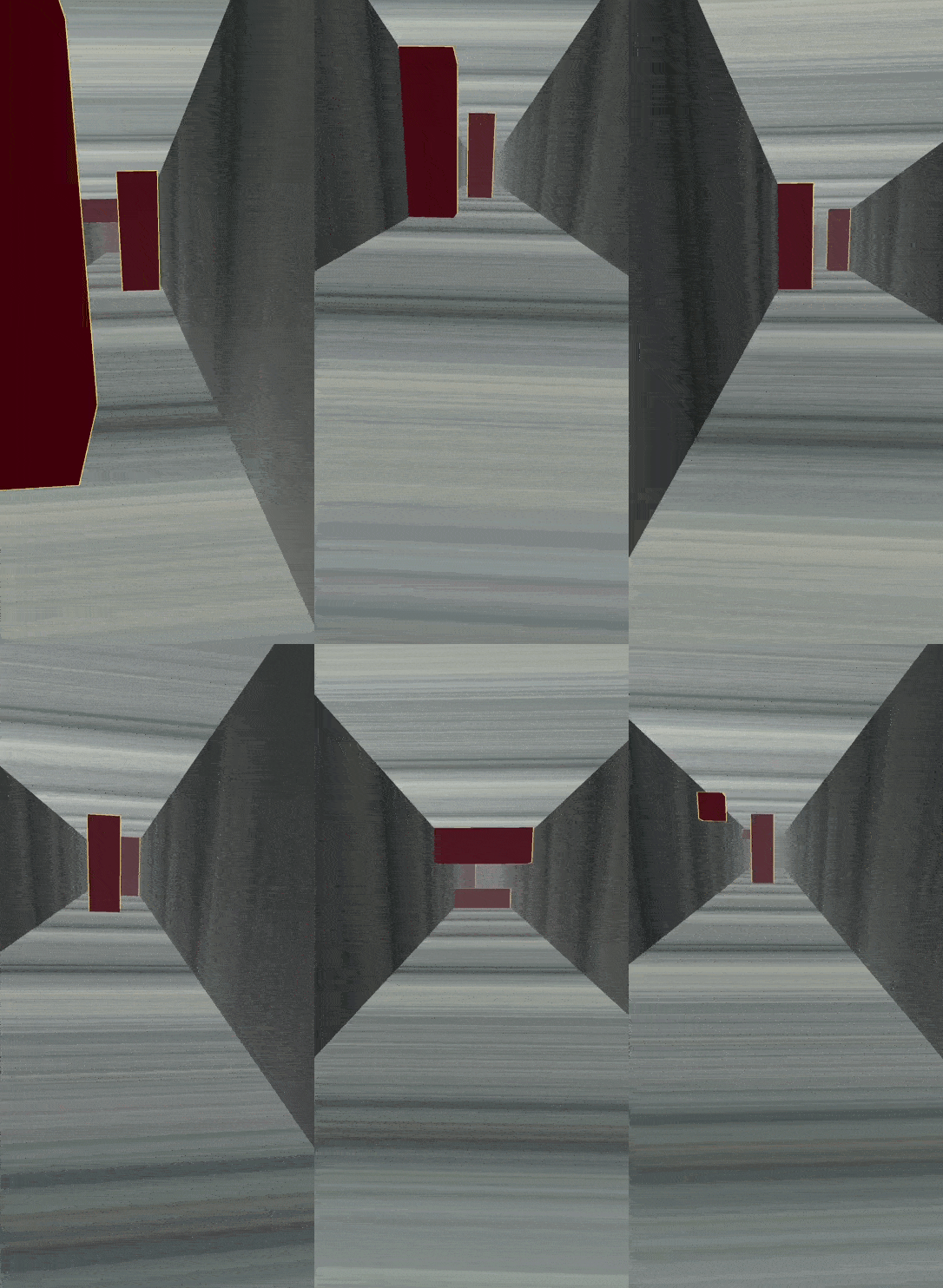
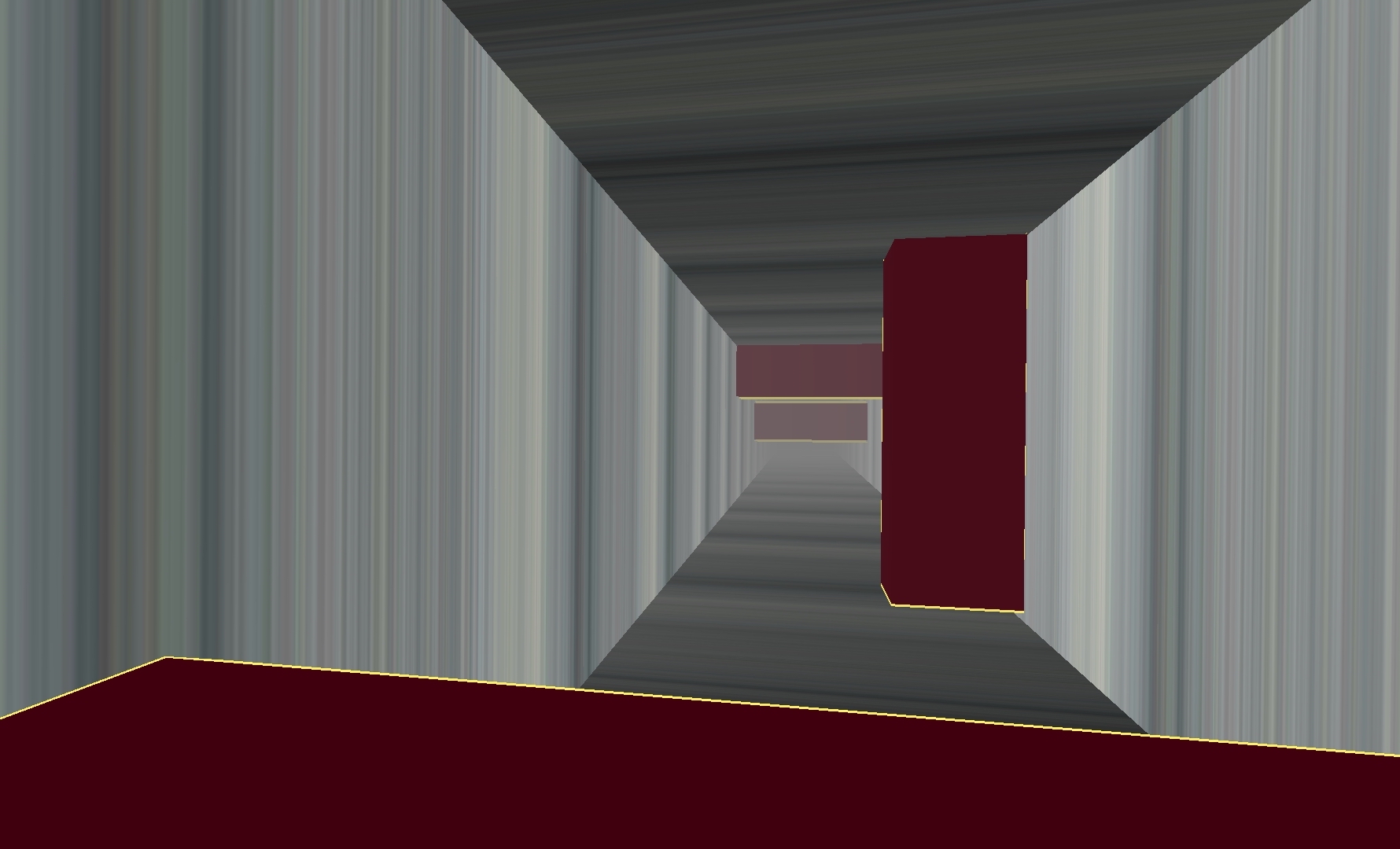
In the early prototypes of the game and the controller, the player was placed in a gray-striped corridor with some cubic obstacles to dodge. The objective of these prototypes was to avoid the red cubes and not get hit by them until the player reached the finish line. In this prototype, players could see all around the corridor by moving around and looking in different directions in the real world through their mobile devices. At that time, while the team was excited by the promising potential of this new kind of experience, we knew that there were some crucial questions that needed to be answered and so many rough edges to be fixed for the controller to reach its highest funness.
Movement, too much or just enough?
The first prototypes required about 4 square meters of free space. The player had to take literal steps and avoid incoming cubes on a room-sized scale. It was certainly entertaining for all members of the studio, who were all in their twenties and had a young athletic spirit. However, the downside of this prototype was that this kind of gameplay was not accessible to many people. Not all people have the luxury to free up a space of 2×2 meters to play the game, and constantly moving in order to dodge the incoming obstacles in this scale required a lot of energy.
The alternative approach, or as a matter of fact, a solution to many of our problems, was to make everything smaller, way smaller. The corridor’s height and width would be scaled down from room-sized to hand-sized to be around 45 centimeters, and with some tweaks in the camera’s field of view, we achieved the same view of the game as the room-sized prototype.
This tradeoff was the first of the many we encountered during the development of Remortal. The first room-sized prototype was fun because of the player’s movement in the real world. On the other hand, the small-sized prototype could be played much easier; it was accessible to a larger audience and was fun in its own way. Consequently, we had to let go of the big-space prototypes and stuck to the small ones.
Free Rotation vs. Locked Rotation
As mentioned earlier, in the room-sized prototype, players could see all around themselves by moving their devices in the real world. While this could create a more immersive experience for the player, it had some serious game design issues that were interfering with the gameplay.
From the game design perspective, one of our most important issues with the room-sized prototype was that as players were dodging the cubic obstacles, they unintentionally rotated the device. Consequently, their view of the game world rotated accordingly, too. As a result, they would lose sight of the incoming cubes. During the playtests, many players complained that they did not see what had hit them because their view had been rotated freely.
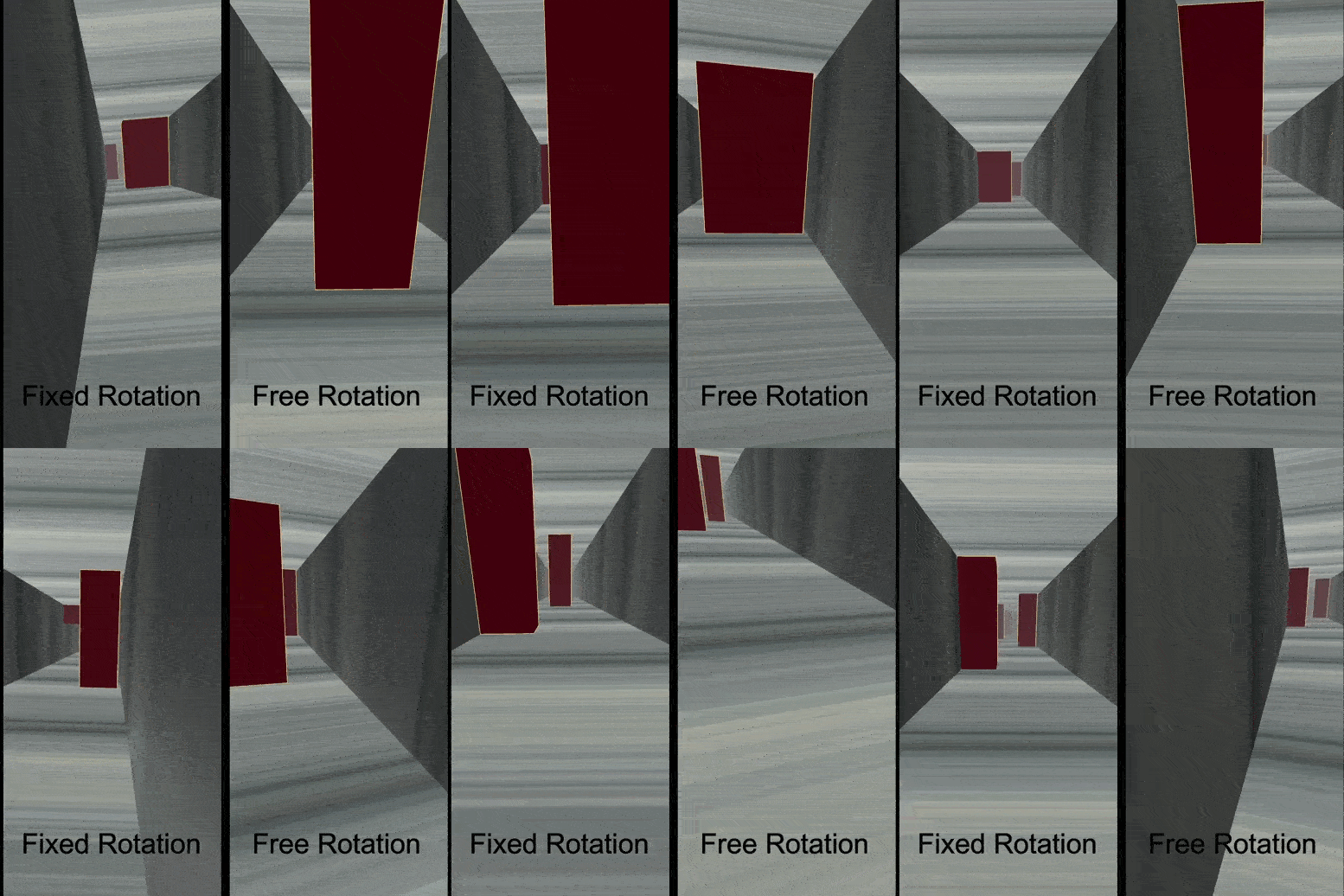
Our solution to this problem was to set the rotation of the corridor the same as the camera so that the player would always face the end of the corridor no matter how they have rotated the device. Even though this method proved to solve many of the problems players were facing, it would also create many challenges for our environment design in the next steps of development, as the players now only see what is in the forward direction and cannot rotate around to see what is behind them or at their sides.
The fixed rotation had many problems in the first version. Some of them could not be solved at that time because of our lack of knowledge and experience in using AR Foundation. However, after many attempts and developing Lucid Controller 2.0 (which is the topic of another post), we solved these bugs and many more issues that were present in the first version of Lucid Controller.
Leave a Reply